When a phone not charging, it can quietly disrupt your entire day. What often begins as a minor inconvenience can escalate into a serious problem if left unaddressed. Many users experience a phone charging issue without knowing whether it is safe to wait, what simple fixes to try, or when to seek professional help.
This guide is designed to help you understand why a phone may not be charging properly, what steps are safe to try on your own, and when professional repair becomes the right decision.
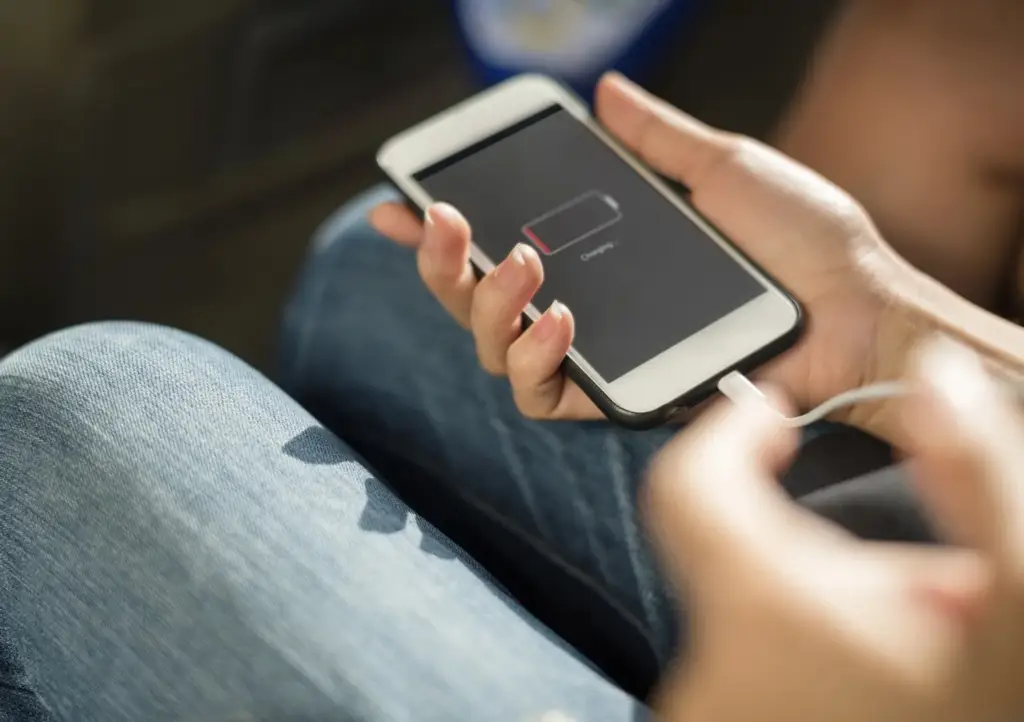
Why Your Phone Not Charging Properly Over Time
Charging issues rarely appear suddenly without cause. In most cases, they develop gradually due to daily use, environmental factors, or software behaviour.
How Normal Usage Affects Charging Components
Charging ports, cables, and adapters experience repeated stress every day. Plugging and unplugging, bending cables, and exposure to dust can all affect how efficiently power flows into the device.
Common Reasons a Phone Is Not Charging Properly
Understanding the root cause helps prevent unnecessary damage
Faulty Charging Cable or Power Adapter
Charging cables and adapters can wear out internally over time. Even when a cable looks intact, internal wire breaks or bent adapter prongs can prevent power from reaching the phone. Testing with a different cable or adapter is a reliable way to rule this out.
Dust, Lint, or Debris in the Charging Port
Dust and pocket lint often collect inside the charging port. This buildup blocks proper contact between the charger and internal connectors, leading to slow charging or intermittent connection. Gentle cleaning with appropriate tools may help, but aggressive cleaning can cause damage.
Loose or Damaged Charging Port
If a charging cable feels loose or the phone charges only at certain angles, this can indicate physical wear or internal connector damage. In such cases, cleaning alone does not solve the issue, and charging port repair may be required.
Background Apps and Power Consumption
Some apps continue running in the background, using location services, syncing data, or performing intensive tasks. When power consumption exceeds the charging input, especially with weaker power sources, the phone may appear not to charge at all.
Software Glitches and System Errors
Temporary system issues can interfere with charging behaviour. Restarting the phone refreshes the operating system and can resolve minor glitches affecting charging performance.
Charging Issues After Software Updates
Occasionally, system updates introduce bugs that affect charging. If charging problems begin immediately after an update, software compatibility may be the cause. In such cases, later updates or system fixes are often required.
Overheating and Safety Shutdowns
Modern smartphones include safety mechanisms that stop charging if the device overheats. This protects the battery and internal components. Allowing the phone to cool before charging again is necessary for safe operation.
Safe Checks You Can Do Before Seeking Repair
Before assuming a serious fault, there are a few safe steps users can try.
Check the Power Source
Wall outlets, power strips, or USB ports can fail. Testing the charger with a different power source helps isolate whether the issue is with the phone or the outlet.
Inspect and Replace the Charging Cable
Looking for visible wear, bent connectors, or frayed sections can help identify cable issues quickly. Substituting with a known working cable is recommended.
Remove the Phone Case
Some bulky or tightly fitted cases prevent the charging cable from fully connecting. Removing the case and recharging can reveal whether the case is interfering.
Reduce Power Usage While Charging
Turning off unnecessary features such as Bluetooth, GPS, or Wi-Fi, or enabling aeroplane mode, reduces background power consumption and allows the phone to charge more efficiently.
What You Should Avoid Doing
Certain actions often cause more harm than good.
Avoid Using Sharp Objects in the Charging Port
Pins, needles, or metal objects can damage internal connectors and convert a minor mobile charging issue into a major hardware failure.
Avoid Liquid Cleaners
Liquids inside the charging port can cause corrosion or short circuits. Dry, gentle cleaning methods are safer when appropriate.
When Professional Repair Becomes Necessary
If a phone continues to charge slowly or not at all after basic checks, the issue is likely hardware related.
Why Expert Diagnosis Matters
Charging systems involve delicate connectors and internal circuits. Improper handling can damage the motherboard or battery. Certified technicians have the tools and experience to diagnose whether charging port repair, battery replacement, or deeper repair is required.
For users seeking reliable phone repair in Doha, a professional evaluation helps avoid unnecessary costs and data loss.
At Starpixel, charging issues are inspected carefully to identify the exact cause before repair. The service team provides dependable mobile repair in Umm Al Seneem, focusing on safe, accurate solutions rather than guesswork.
Charging Port Repair Cost Considerations
Charging port repair costs vary depending on:
- Phone brand and model
- Extent of port damage
- Replacement part requirements
In most cases, charging port repair is significantly more affordable than replacing the device and can often be completed within a short timeframe.
Preventing Future Charging Problems
Regular care can reduce the risk of recurring issues.
Simple Preventive Practices
- Use reliable, compatible charging cables
- Avoid bending or pulling cables at sharp angles
- Keep the charging port clean and dry
- Avoid charging in high-heat environments
Consistent maintenance helps extend both battery life and charging port reliability.
A phone charging problem does not always mean immediate repair, but ignoring warning signs can lead to more serious damage. Understanding the causes of a phone not charging properly helps users make informed decisions and protect their devices.
If charging issues persist, a professional inspection ensures safe and effective resolution. Starpixel provides trusted mobile repair support in Umm Al Seneem, Doha, helping users restore reliable charging and everyday usability.
FAQs
1. Why is my phone not charging?
A phone may not charge due to a faulty cable, dust in the charging port, battery issues, or internal hardware damage.
2. What causes a phone charging problem?
Common causes include damaged chargers, charging port blockage, software glitches, or overheating.
3. Why is my phone charging slowly?
Slow charging often occurs due to dust in the port, background apps consuming power, weak chargers, or battery wear.
4. When do I need charging port repair?
You may need charging port repair if the phone charges only at certain angles or disconnects frequently.
5. Can software issues affect phone charging?
Yes, system glitches or bugs after updates can cause mobile charging issues.