

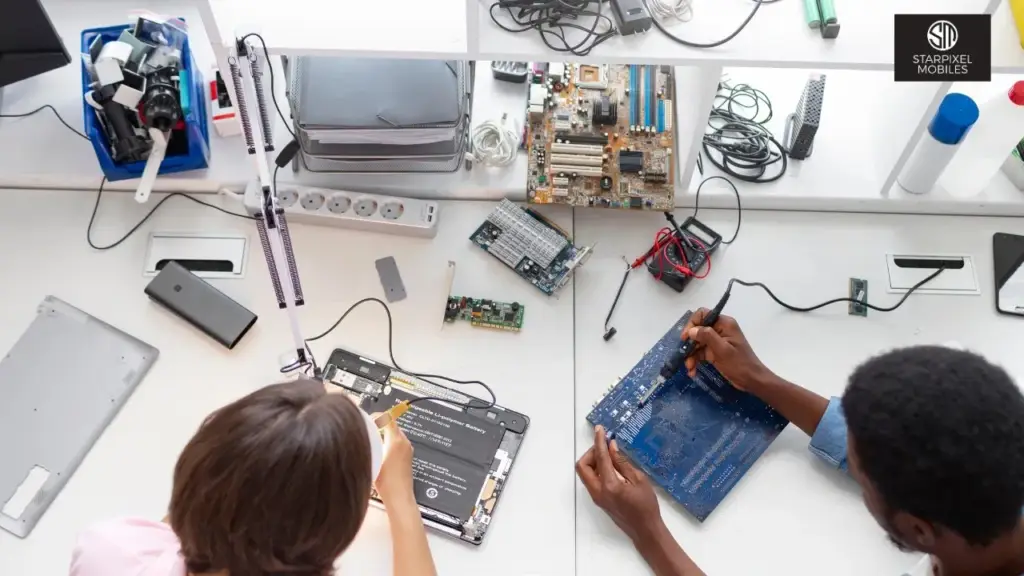
Is your laptop trying to tell you something? Just like a car making strange noises before it breaks down, laptops often give warning signs before they experience major failures. Recognizing these signs early can save you from data loss, costly replacements, and the frustration of a completely dead device. This guide will help you identify the most common warning signals that indicate it’s time to seek professional repair services.
1. Overheating and Excessive Fan Noise
If your laptop feels uncomfortably hot or sounds like a jet engine, it’s crying out for help. Overheating occurs due to dust accumulation, failing fans, or dried thermal paste on the processor. Left unaddressed, excessive heat can permanently damage your motherboard and graphics card.
Watch for laptops that become too hot to touch, fans running constantly at high speed, unexpected shutdowns during tasks, or excessive hot air from vents.
2. Battery Issues
A battery that dies within an hour or refuses to charge indicates serious problems. While batteries naturally degrade, sudden changes in performance often signal deeper issues with the charging circuit or battery itself. Physical swelling of the battery requires immediate professional attention.
3. Strange Hard Drive Noises
Clicking, grinding, or beeping sounds from your laptop are serious red flags. These noises typically indicate a failing hard drive, putting all your data at risk. If you hear unusual sounds, back up your data immediately and seek professional help before complete failure occurs.
4. Frequent Crashes and Blue Screen Errors
While occasional glitches happen, frequent system crashes, freezes, or the Blue Screen of Death often point to hardware problems. These could relate to failing RAM, hard drive issues, overheating, or motherboard malfunctions requiring expert diagnosis.
5. Screen Display Problems
Flickering, dead pixels, discoloration, lines across the screen, or black displays indicate issues with cable connections, LCD panels, or graphics cards. Any persistent visual anomalies deserve professional attention to prevent complete screen failure.
6. Keyboard or Trackpad Malfunctions
Unresponsive keys, sticky buttons, erratic trackpad behavior, or typing incorrect characters signal hardware problems. These issues can stem from liquid damage, worn components, or internal connection failures that require professional repair.
7. Slow Performance Despite Optimization
If your laptop remains frustratingly slow after software cleanup, the problem is likely hardware-related. Failing hard drives, faulty RAM, or cooling system issues causing thermal throttling need professional assessment and replacement.
8. Connectivity Problems
Persistent Wi-Fi or Bluetooth issues across different networks indicate failing wireless cards or antenna damage. If other devices connect fine but your laptop struggles, the hardware likely needs professional repair.
9. Non-Functioning USB Ports
USB ports that don’t recognize devices or work intermittently signal damaged ports or motherboard problems. Since these ports are essential for peripherals, professional repair restores full functionality.
10. Physical Damage
Cracks, broken hinges, liquid spills, or visible damage should be professionally assessed. Superficial external damage often indicates serious internal problems requiring expert attention.
Why Professional Repair Matters
Modern laptops are complex devices with delicate components requiring specialized tools and expertise. DIY repairs often worsen problems and void warranties. Professional technicians can diagnose issues accurately and use quality replacement parts with proper warranties.
When to Seek Help
Don’t wait for complete failure. If you experience multiple warning signs, seek professional assessment immediately. Early intervention prevents extensive damage and protects your valuable data.
At Starpixel, our certified technicians have the experience and equipment to diagnose and fix laptop problems efficiently. We use quality replacement parts and provide warranties on our repairs, giving you peace of mind that your device is in expert hands.
Experiencing any of these issues? Don’t let a small problem become a big headache. Our expert technicians at Starpixel are ready to diagnose and repair your laptop quickly and affordably. Your technology deserves expert care trust Starpixel for all your laptop repair needs.
FAQ
1. How do I know if I need professional repair?
If you notice overheating, strange noises, screen damage, battery issues, or dead ports, it’s likely a hardware problem that needs professional service. Minor slowdowns or software bugs can often be fixed with updates or cleanup.
2. How long does laptop repair take?
Simple fixes (battery, RAM, SSD) take 1–2 hours. Complex repairs (screen or motherboard) may take 2–5 days.
3. Is repairing an old laptop worth it?
If repair costs are less than 50% of a new laptop’s price and the device is under 4–5 years old, repairing is usually smarter.
4. Will my data be lost during repair?
Most repairs don’t affect data, but always back up files. If the drive is damaged, recovery may be required.
5. Can overheating cause permanent damage?
Yes. Excess heat can damage the CPU, GPU, and motherboard. Get professional cleaning and thermal servicing quickly.
